The Rimrock Resort Hotel Image Library

Click to return to Selections and Terms of Use | Click to return to Logos

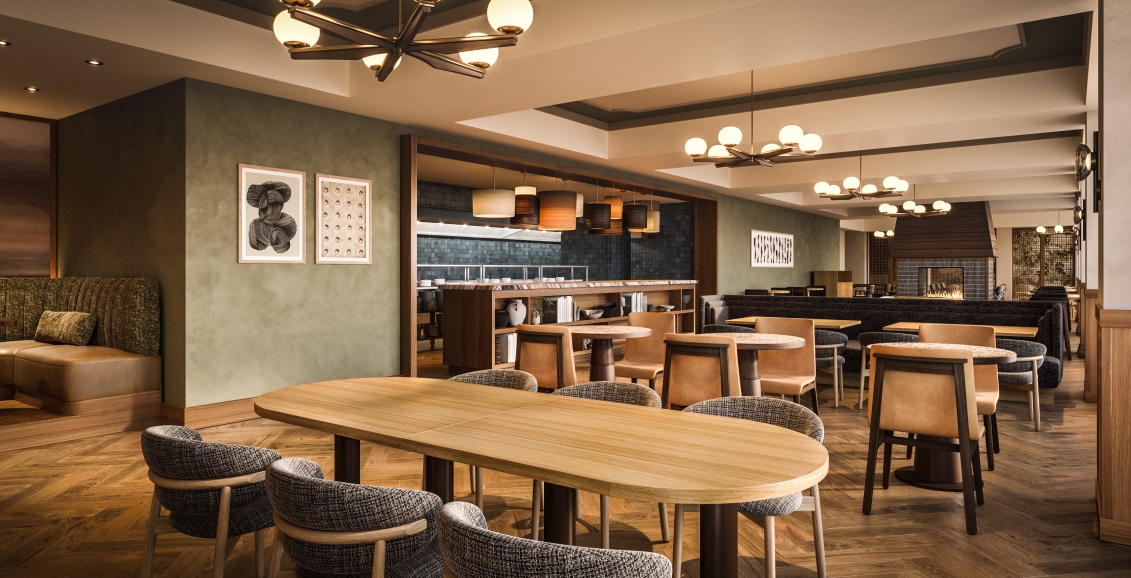
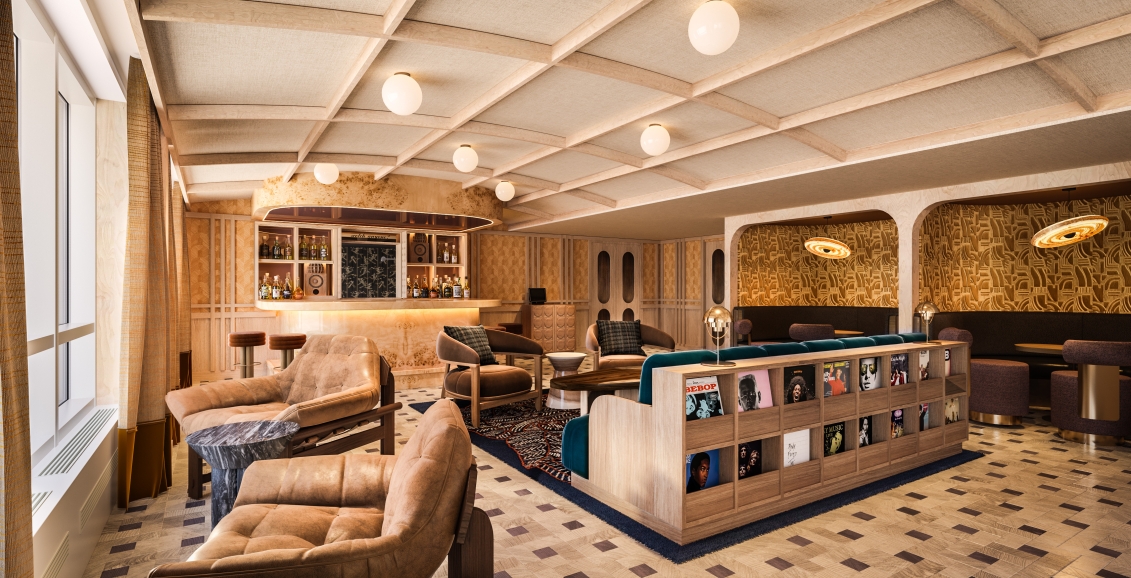
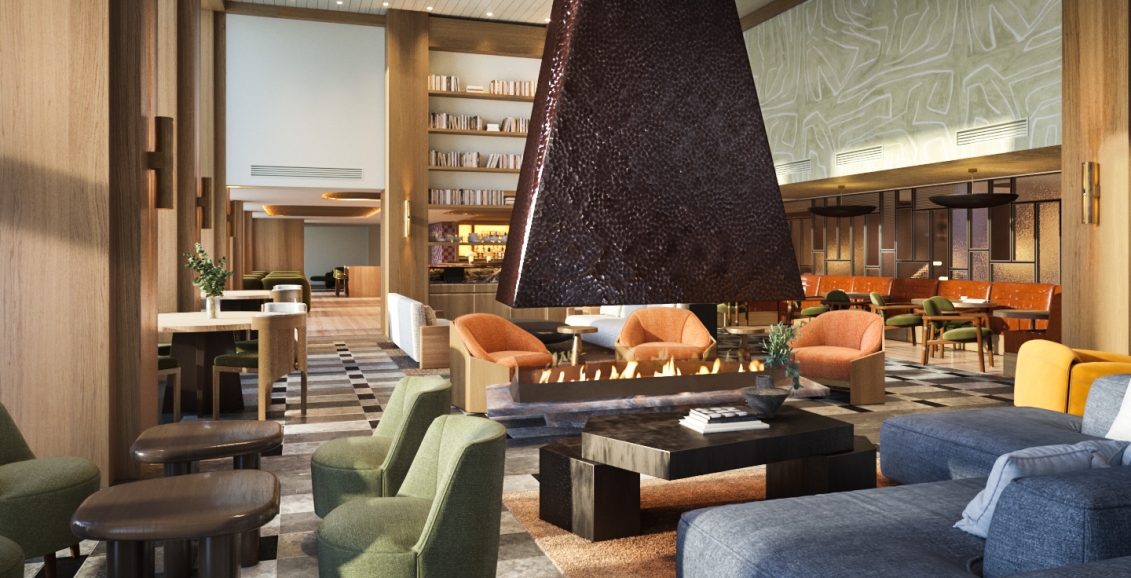
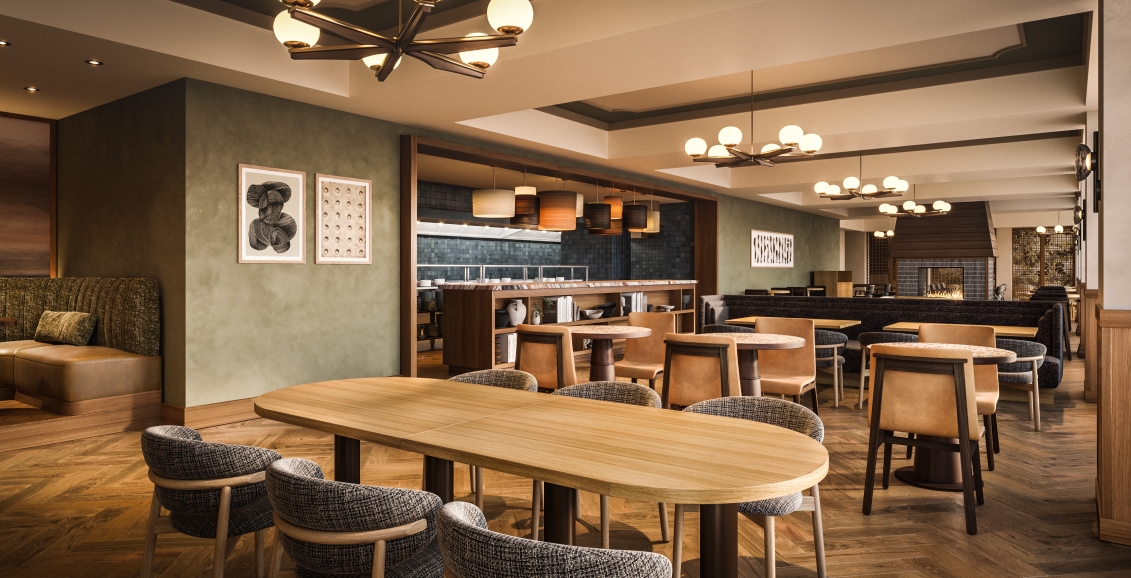
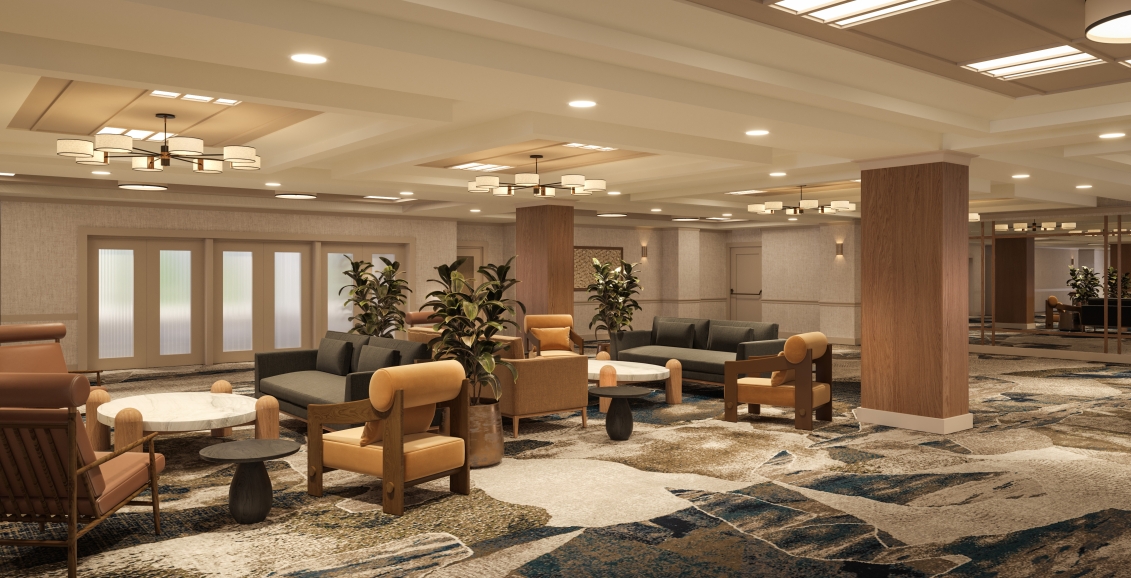
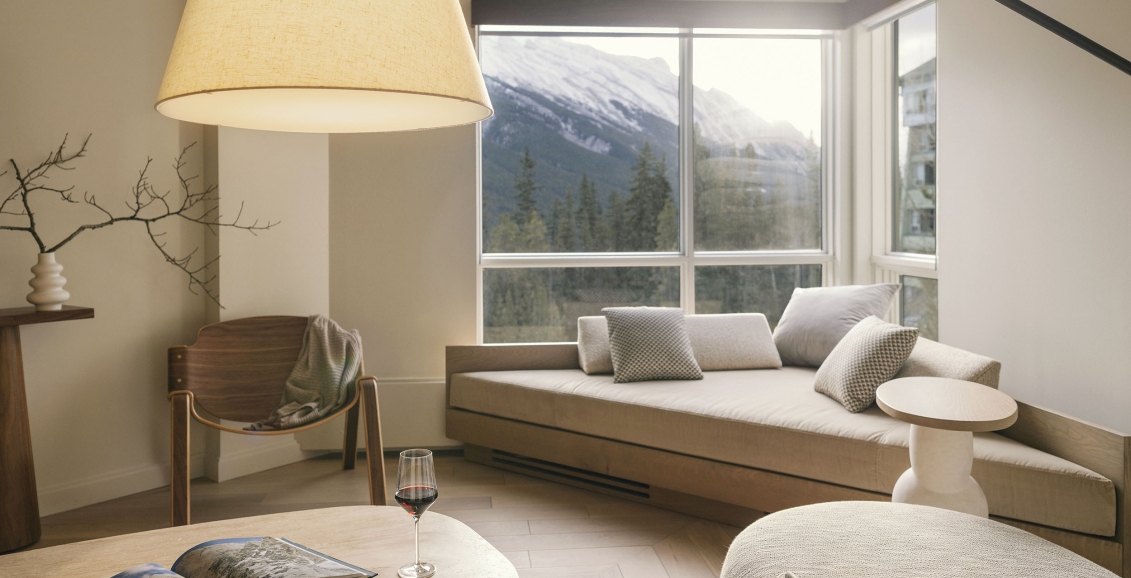
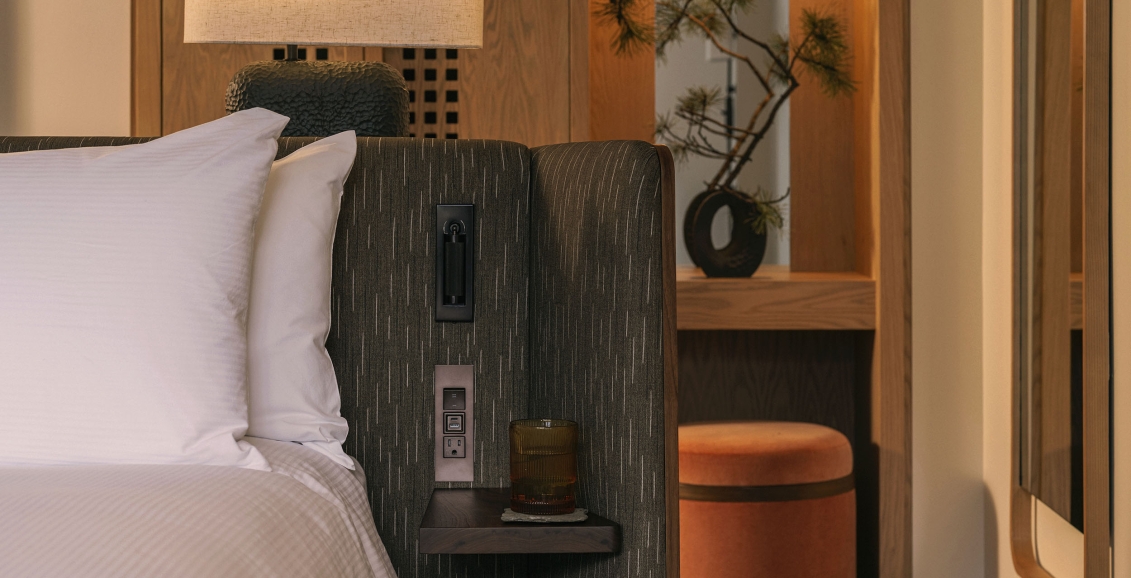
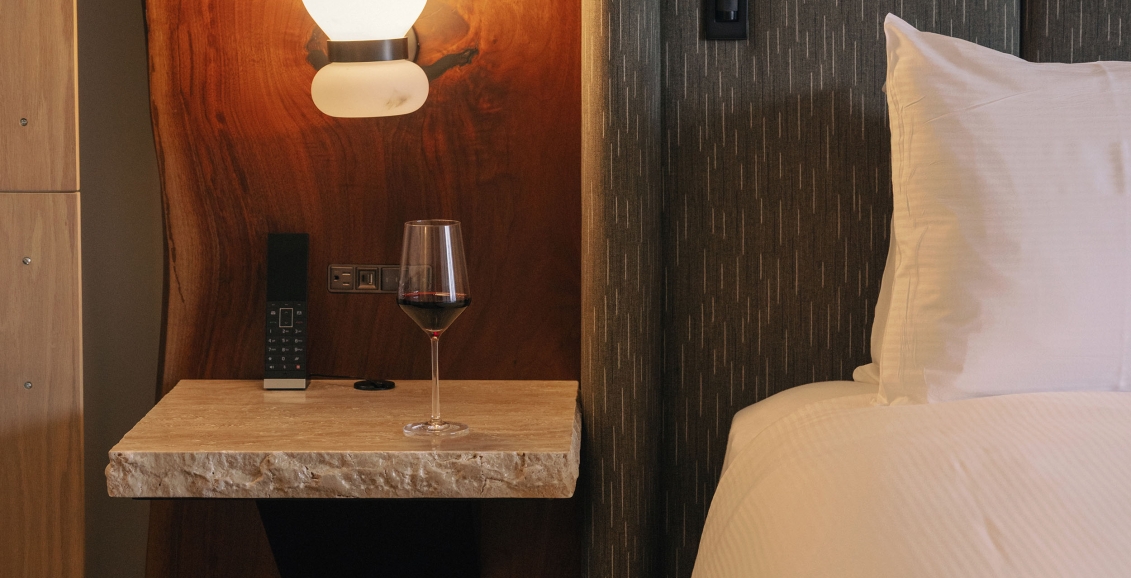
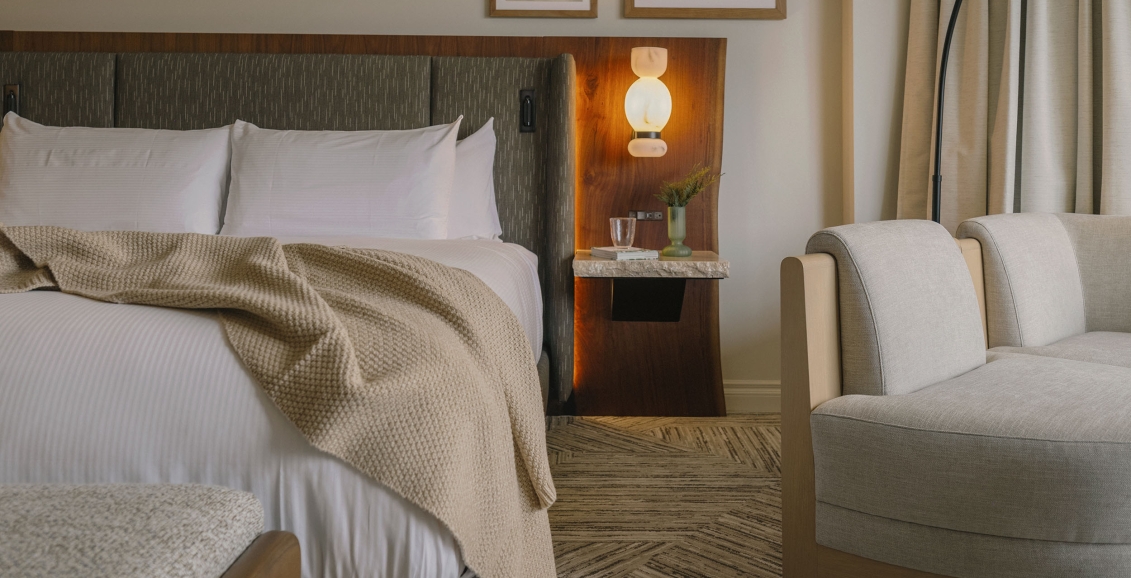
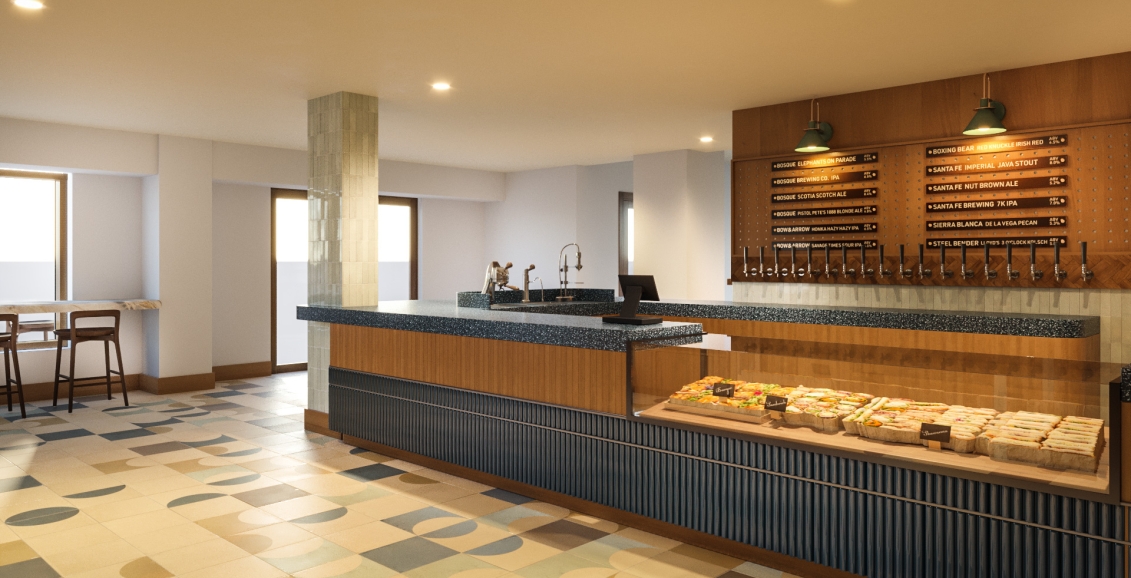
Wildrose Prefunction Area

Download Link Colour Mode File Size Dimensions
W x H  (print)
Dimensions
W x H  (pixcel)
Normal (This Picture) RGB 109KB 6" x 5.833" 432 x 420
Standard RGB 545KB 6" x 5.833" 720 x 700
Professional CMYK 5229KB 6" x 5.83" 1800 x 1749


Download:
Windows - Right-click the link (Normal, Standard, or Professional) below the preview image, and save the link/target to a selected area of your hard drive.
Macintosh - Click and hold the link (Normal, Standard, or Professional) below the preview image, and save the link/target to a selected area of your hard drive.
   
Normal - Resolution: 72 dpi
Colour Format: RGB
File Size: 55KB - 180KB

Use this format in Microsoft Office® applications such as Word® and PowerPoint®, and most other graphics applications. This format is most widely used in on screen presentations and on web pages and should not be used for most printing purposes.
Standard - Resolution: 120 dpi
Colour Format: RGB
File Size: 200KB - 600KB

Picture with RGB colour mode for most of application software (Microsoft Word® and PowerPoint®)with high quality. 
Professional - Resolution: 300 dpi
Colour Format: CMYK
File Size: 1,200KB - 12,000KB

Use this format for professional graphics or printing purposes, in applications such as QuarkXpress® or Adobe Photoshop®. These CMYK images will not work in Microsoft Office® or other non-professional graphics applications. This is a professional format for printing. If you need to use these images for on-screen presentations, use the JPEG format in the proceeding section. These images can be quite large in size.


©2005 Rimrock Resort Hotel